
Advertisement
Click to download now, finish the installation quickly, and directly unlock the all-round experience
Advertisement
Screenshots
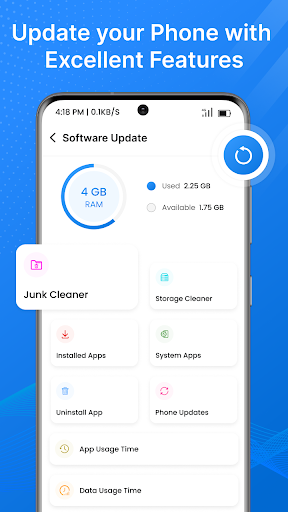

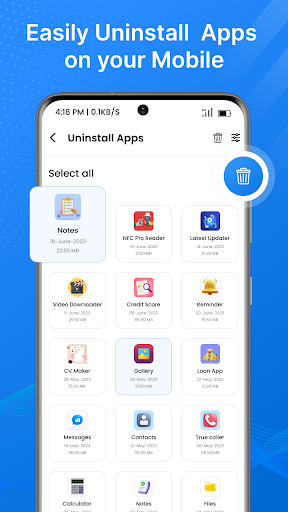
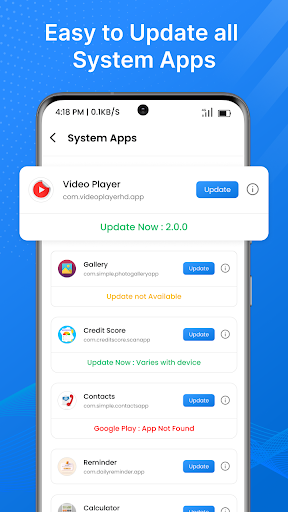
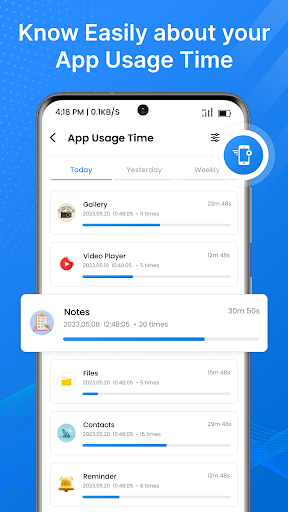
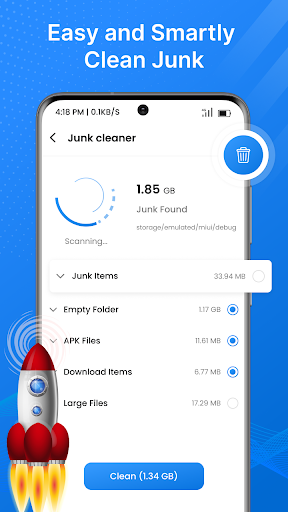
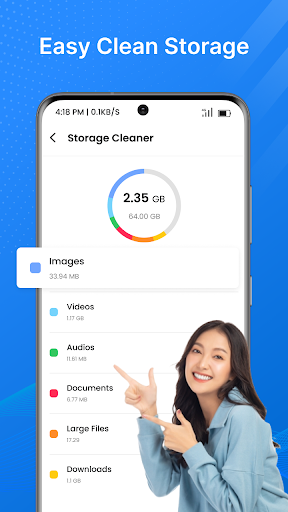
Click to download now, finish the installation quickly, and directly unlock the all-round experience
Software Update - App Updates is a Tools app from Opal App that scans installed apps and identifies ones it says may have updates available. It is aimed at people who would rather check a list than open each app’s store page in turn. The app can also notify you when it finds an update; check the listing to see how its scan and notifications work on your device.
The app presents information about updates, including release notes and changes such as fixes or new features. That can help you decide whether an update is relevant, but the store listing for the individual app is still the place to verify what is available. If you prefer to update selectively, use the details as a prompt to check rather than treating every update as urgent.
Software Update - App Updates has a 4.14 rating from 1,754 ratings and more than 100,000 installs. Those figures show that people have tried it, but they do not tell you whether its scan is accurate or its notifications suit your routine. Look at recent reviews for reports about the experience on current devices, and read Opal App’s own description for the current feature details.
If you previously dropped update-checking tools because they felt like extra work, this one may be worth another look if you want a central scan and reminders. The useful test is whether it saves you time without making update decisions for you. Recheck the description, rating and developer notes before relying on it; those are better guides to its present-day usefulness than an old first impression.