Advertisement
Click to download now, finish the installation quickly, and directly unlock the all-round experience
Advertisement
Screenshots
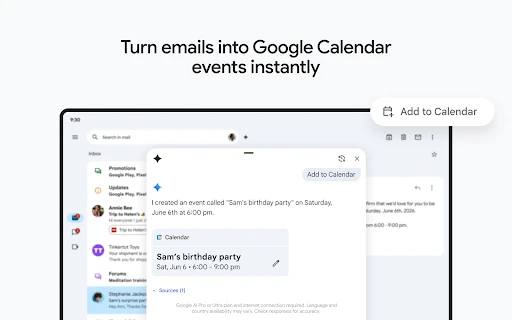
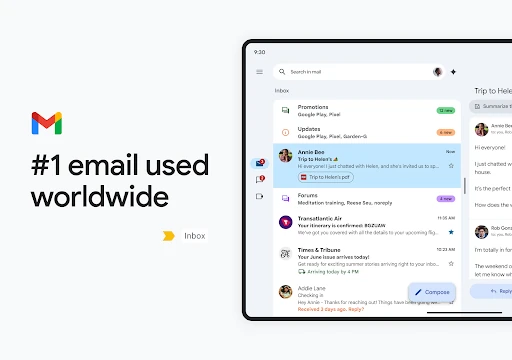
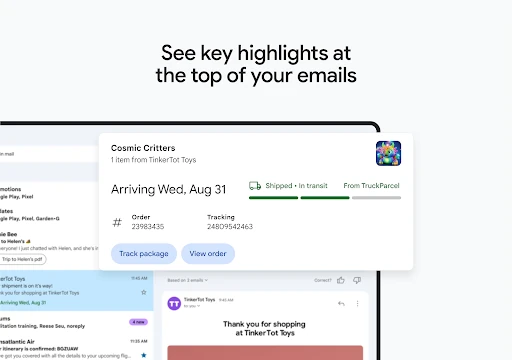
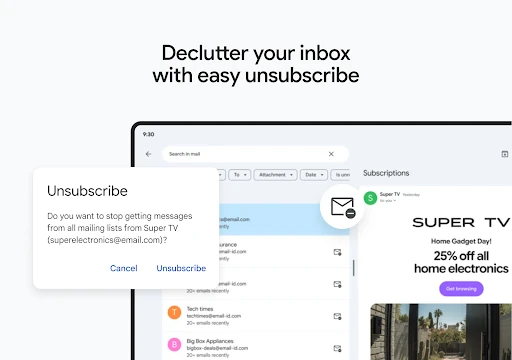

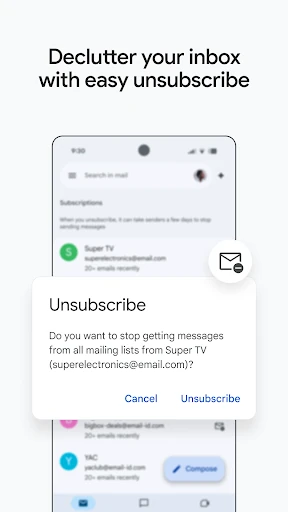
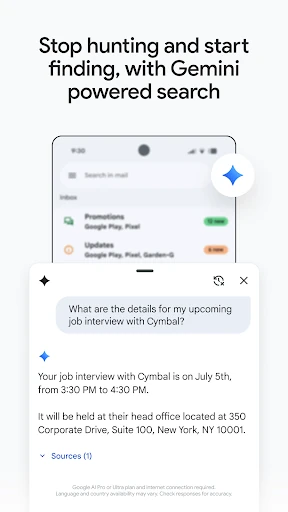
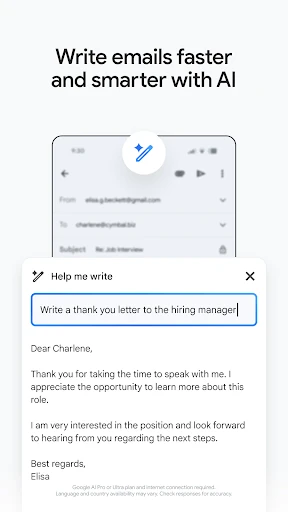
Click to download now, finish the installation quickly, and directly unlock the all-round experience
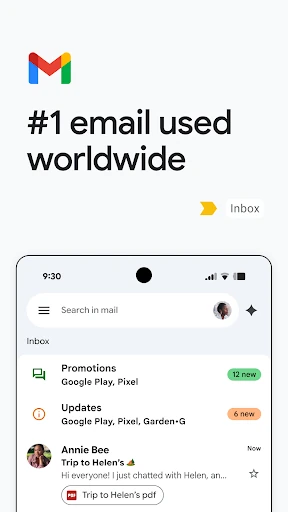
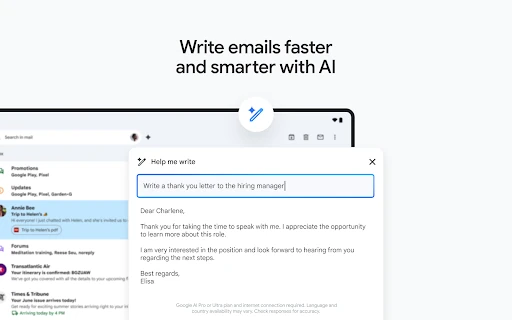
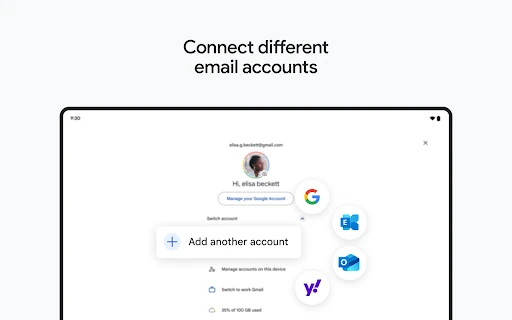
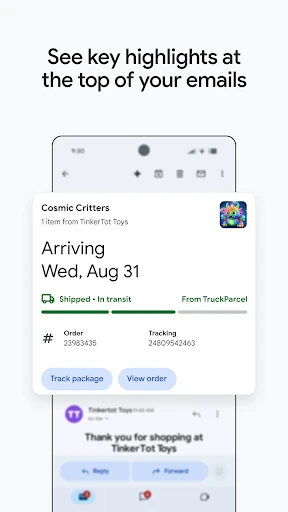
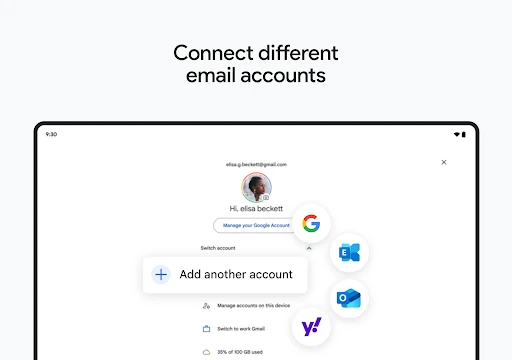
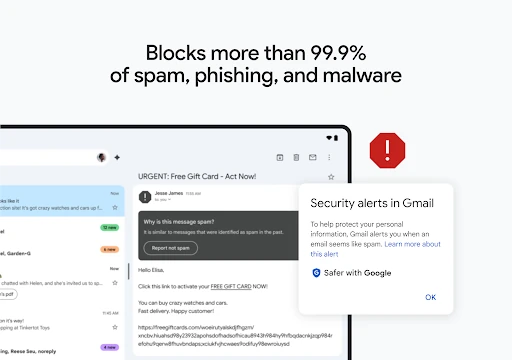
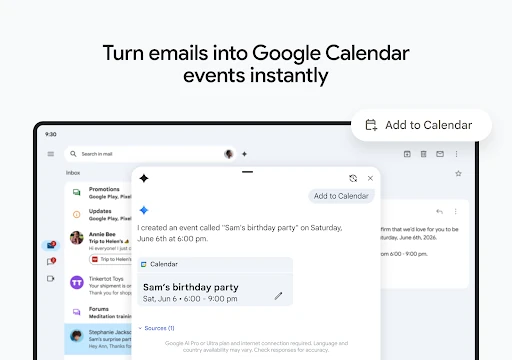
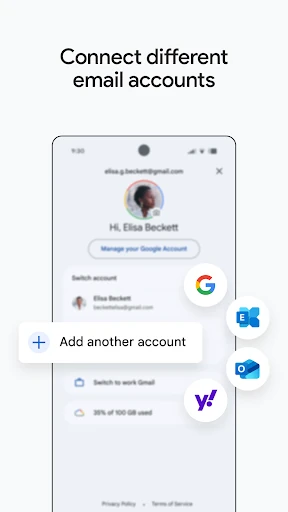
Gmail is Google’s email app for reading, sending and organising messages on Android. It suits people who use email for everyday conversations, receipts, bookings and work, especially if they already rely on Google services. You can also bring multiple email accounts into the app, so it may be useful if you would rather check them in one place than move between inboxes.
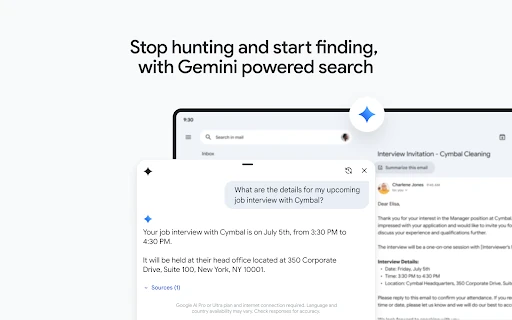
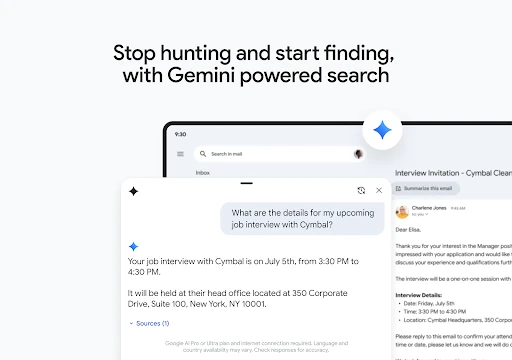
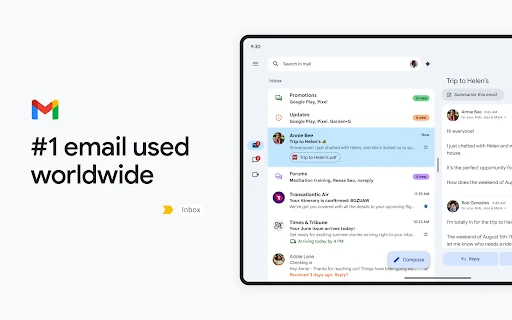
An email app can feel like little more than a stream of messages when you first try it. Gmail’s search and message organisation may matter more once you have years of mail to revisit or several accounts to keep track of. Its broader Google connections can also be useful, though anyone looking only for a simple inbox may prefer fewer tools in the same app.
Before returning, check the current store description for the features available to your account and region. Then consider whether the app’s layout and controls suit the way you handle mail now; familiarity is helpful, but it is not the same as a good fit.
Gmail has a 4.1 rating from about 14.2 million ratings and more than 10 billion installs. Those figures show that it is widely used, but they do not tell you whether recent changes have addressed the reasons you stopped using it. Look at newer reviews as well as the overall score, particularly if your earlier complaint was about clutter, notifications or managing several inboxes.
The developer is Google LLC. If you are weighing up a return, read the latest listing description and any developer notes for a clearer picture of what has changed. Gmail may be worth another look if your needs have shifted toward searching and managing a busy inbox; if you want email without the surrounding Google ecosystem, compare the current listing with other mail apps before deciding.