
Calculator
Prometheus Interactive LLC
Downloads
10,000,000+
Source
Google Play
Advertisement
Click to download now, finish the installation quickly, and directly unlock the all-round experience
Advertisement
Screenshots
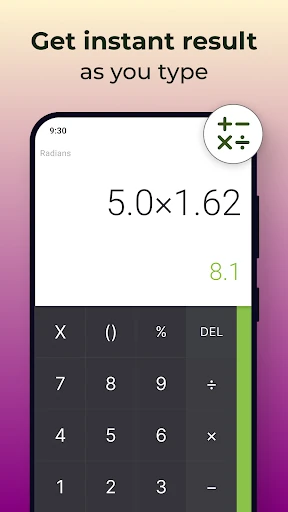
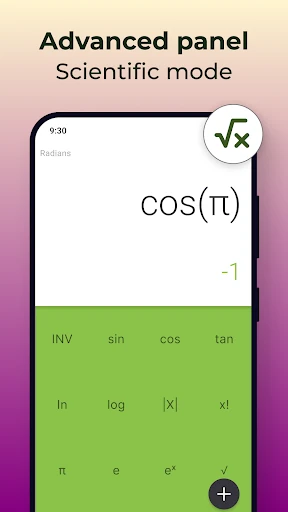
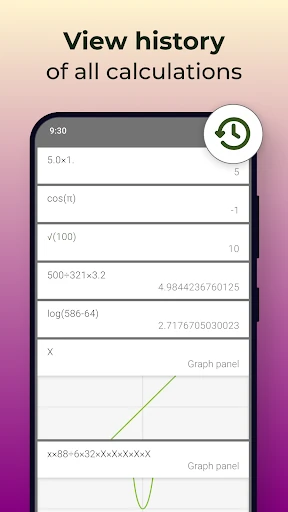
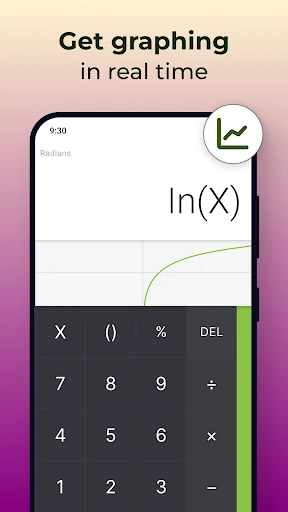
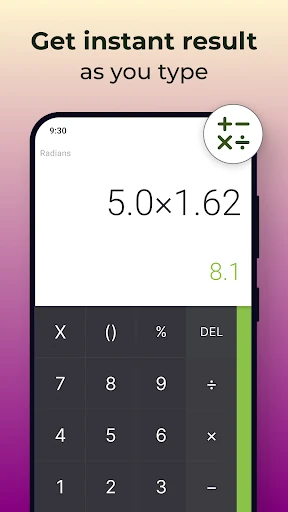
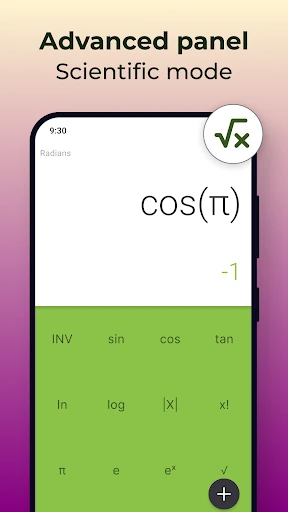
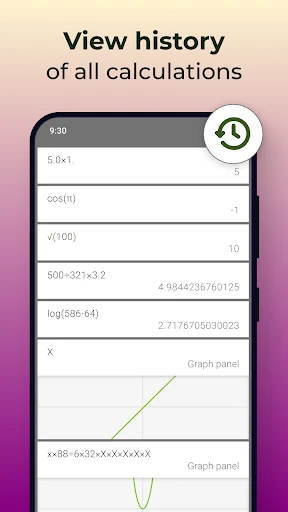
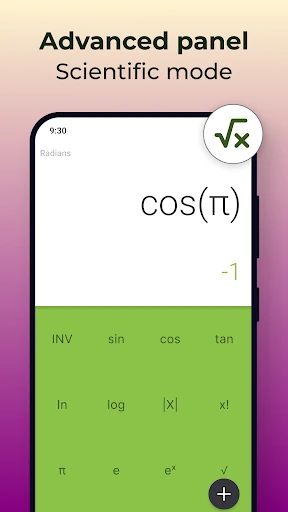
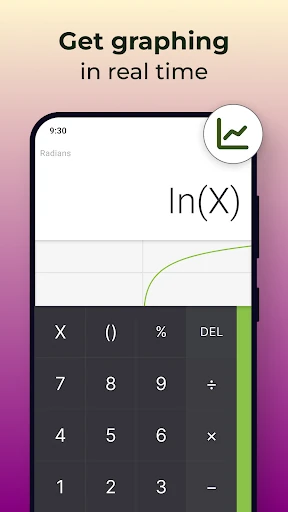
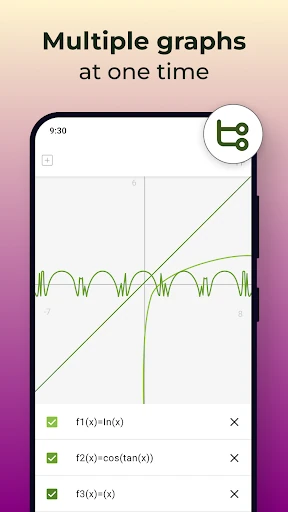
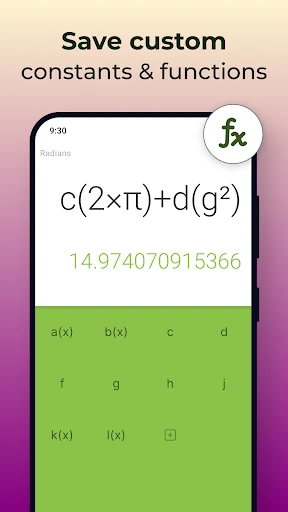
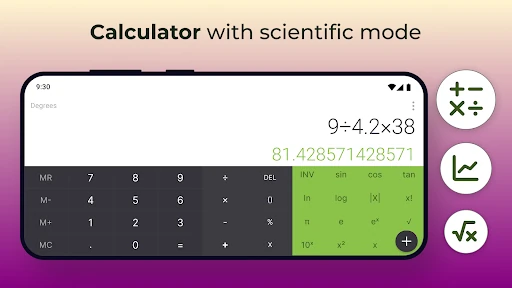
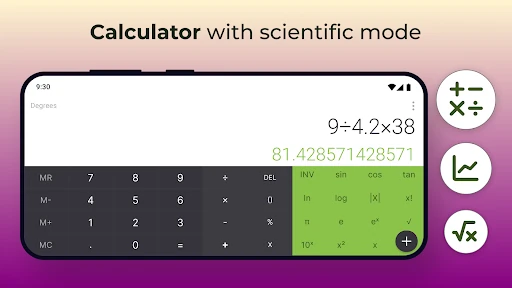
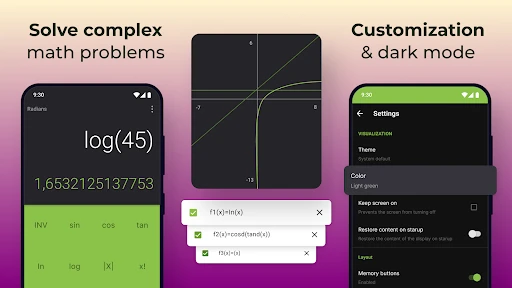
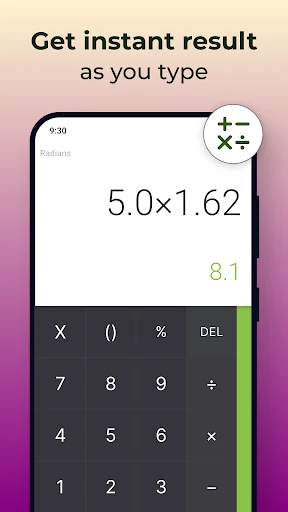
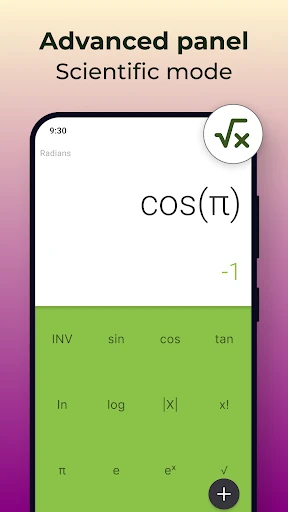
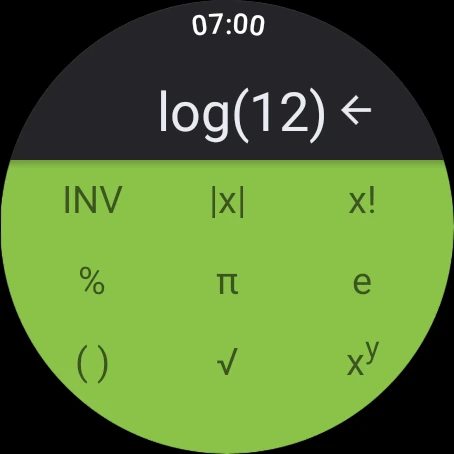
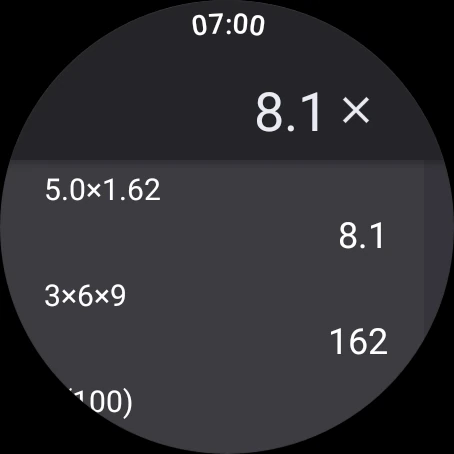
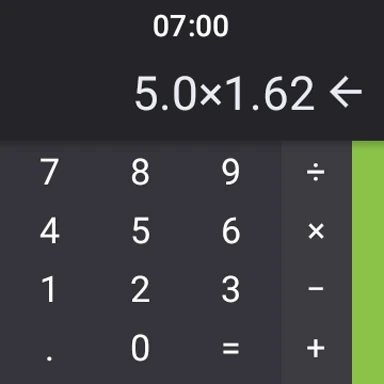
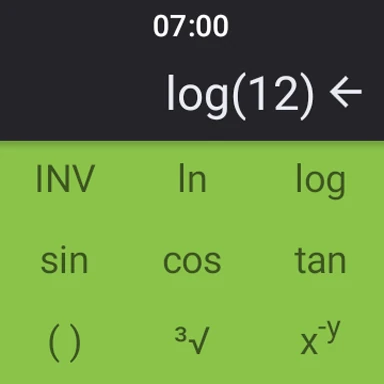
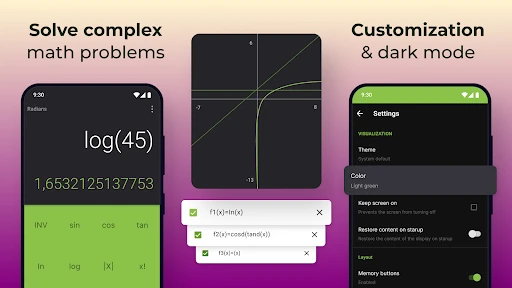
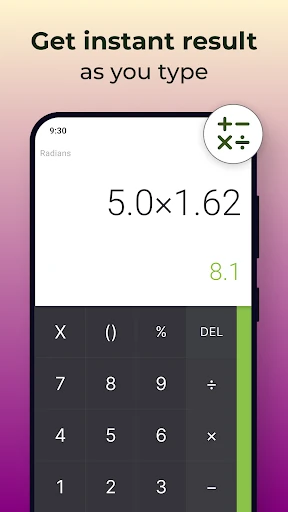
Click to download now, finish the installation quickly, and directly unlock the all-round experience
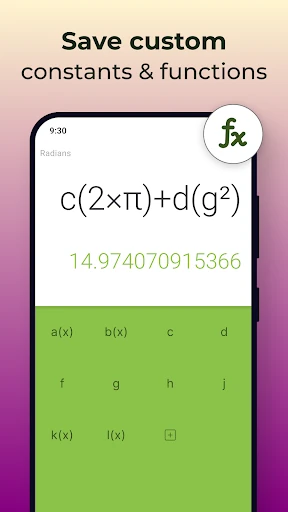
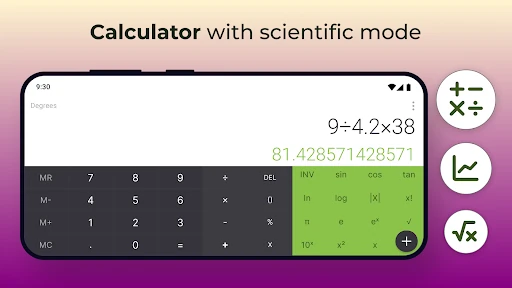
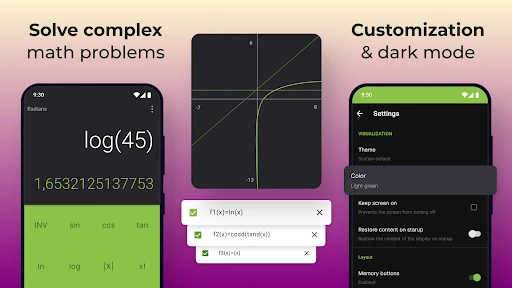
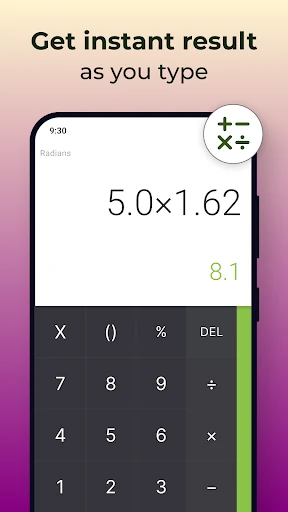
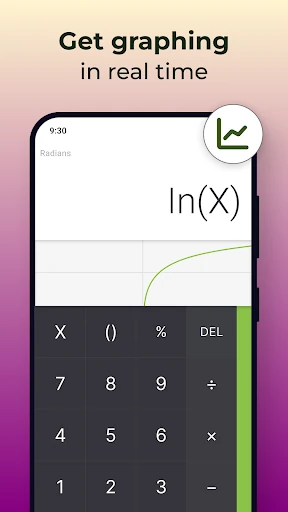
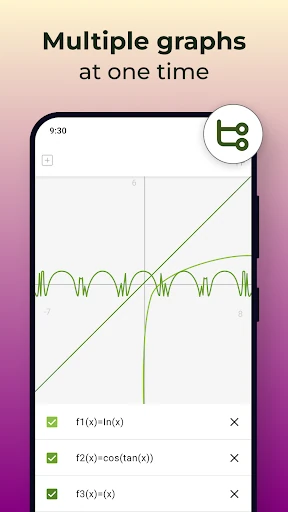
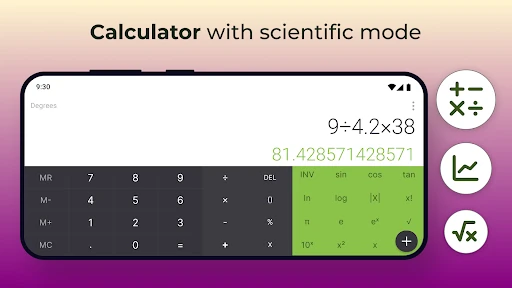
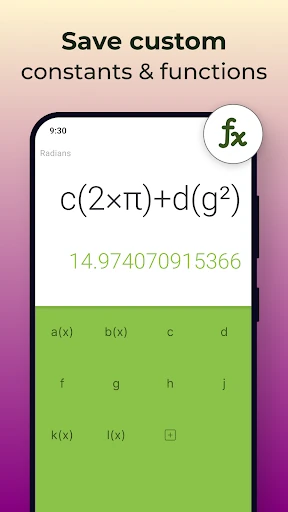
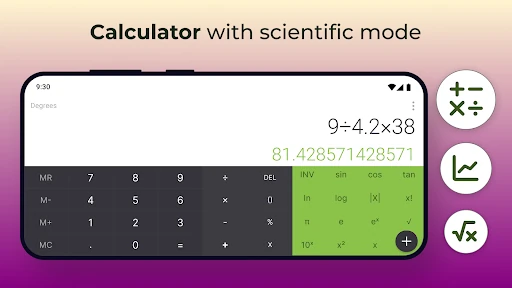
Calculator by Prometheus Interactive LLC covers everyday arithmetic alongside scientific calculations, fraction work and graphing. It may suit students who want several kinds of maths tools in one app, or anyone who regularly switches between quick sums and more involved problems. For basic addition and subtraction alone, that breadth may be more than you need.
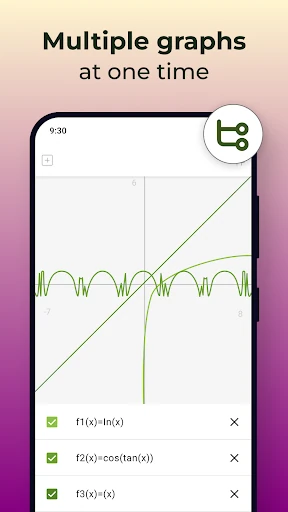
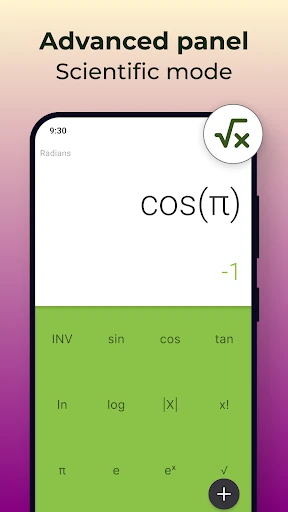
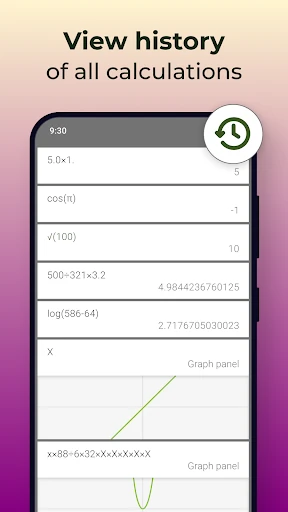
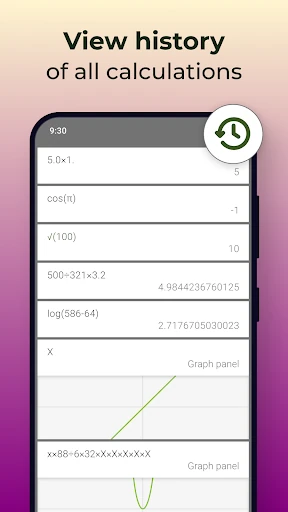
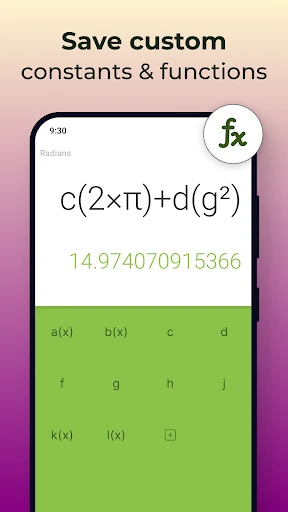
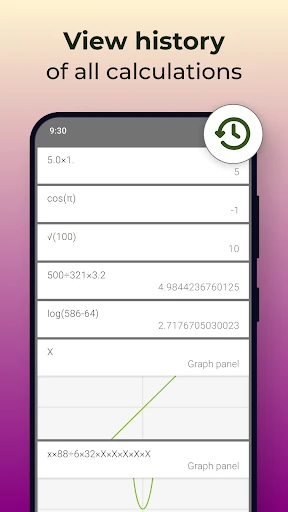
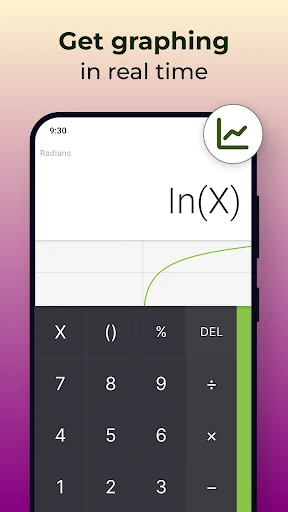
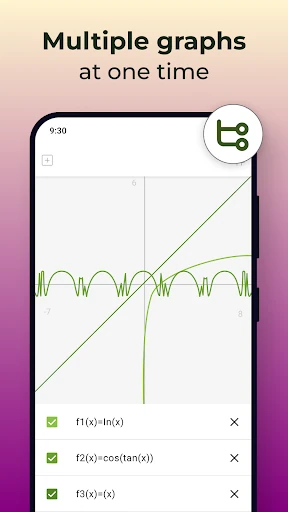
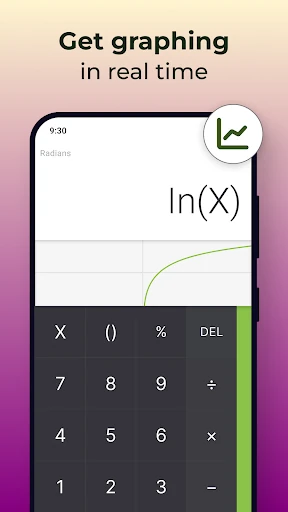
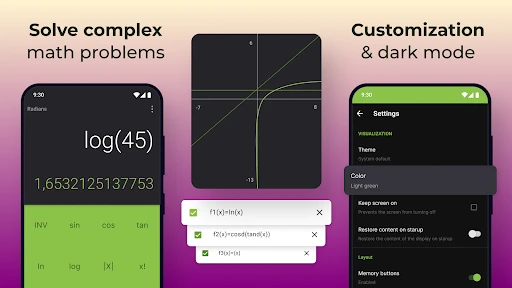
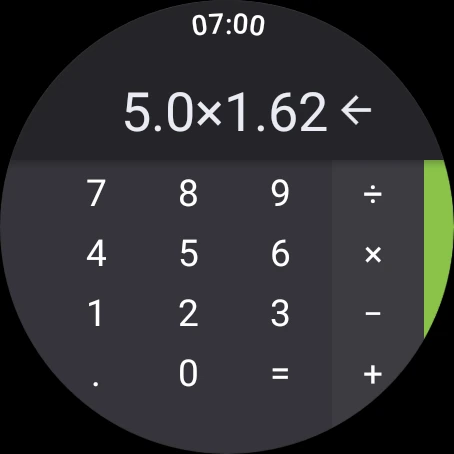
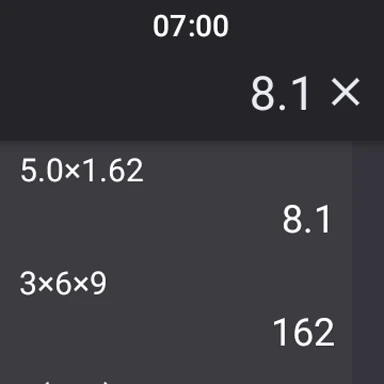
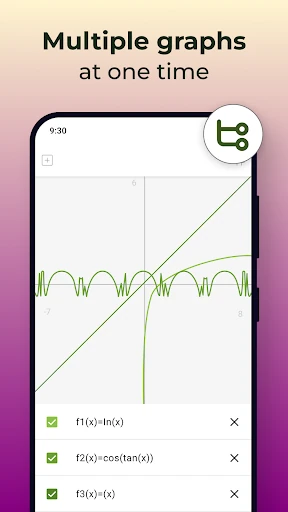
The feature set described for the app includes scientific functions, a graphing calculator, fraction calculations and a history of up to 100 entries. Graphs can help make functions easier to inspect; the history can be useful when you need to revisit an earlier expression. Wear OS support and percentage visualisations are also described, so check the current store-page details if either matters to you.
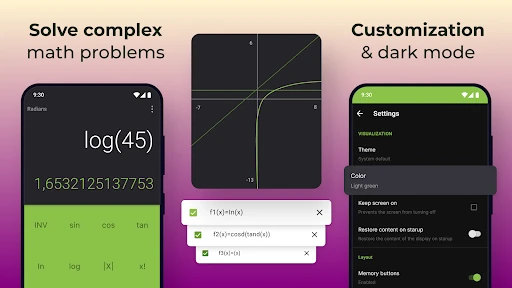
There is a trade-off to consider: a larger collection of tools can take more time to get comfortable with than a plain calculator. Before reopening it, check the screenshots and description to see how the different functions are presented and whether the layout looks manageable for your needs.
The listing reports a 4.53 rating from 82,557 reviews and more than 10 million installs. That gives you a substantial pool of user feedback to consult, but an overall score cannot tell you whether the app suits your device, your coursework or the way you prefer to work. Read recent reviews for details relevant to your use rather than treating the number as a verdict.
If you tried Calculator before and found it too busy, recheck the current description and screenshots instead of relying only on that first impression. Look at the developer’s own notes, too, for context on changes and support. The key question is whether you’ll use the extra tools often enough to make a multi-purpose calculator more helpful than a simpler one.